
Ships and space
The shipyard, ship forms and classes, modules, flight over a world and going out into space.
A ship is late-game transport. It flies over a world like a plane, climbs above the sky — and finds itself in the space of its road, where worlds are spheres in the sky.
The shipyard
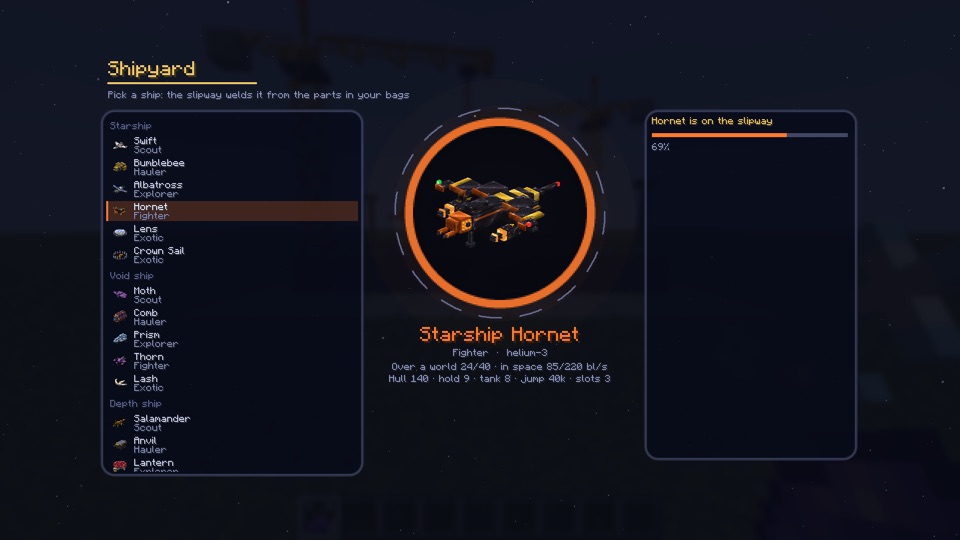
A ship is welded at the shipyard from parts — which ones, the form page shows. The form sets the role (scout, freighter, warship…), the hull, hold, tank and the number of module slots. The ship’s class multiplies speed, hull, hold, jump and scanner.
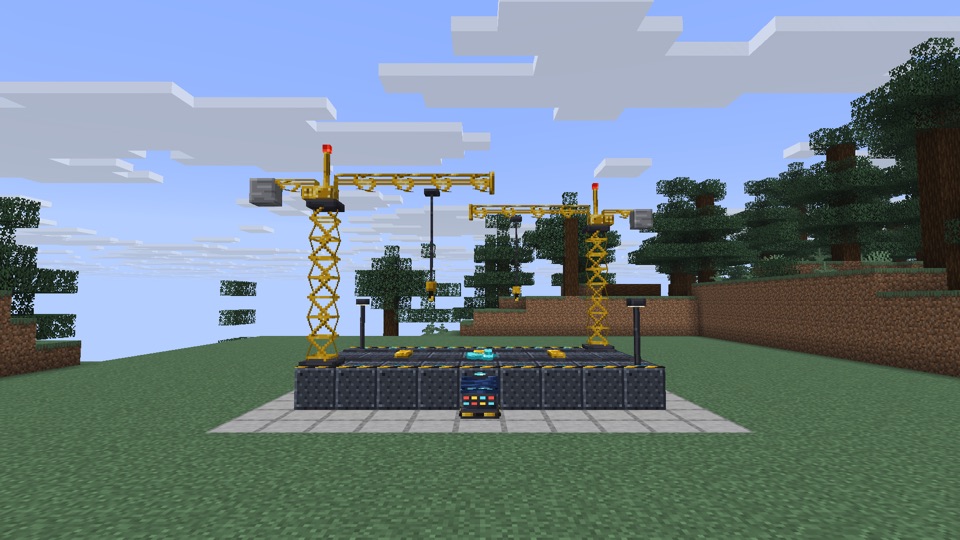
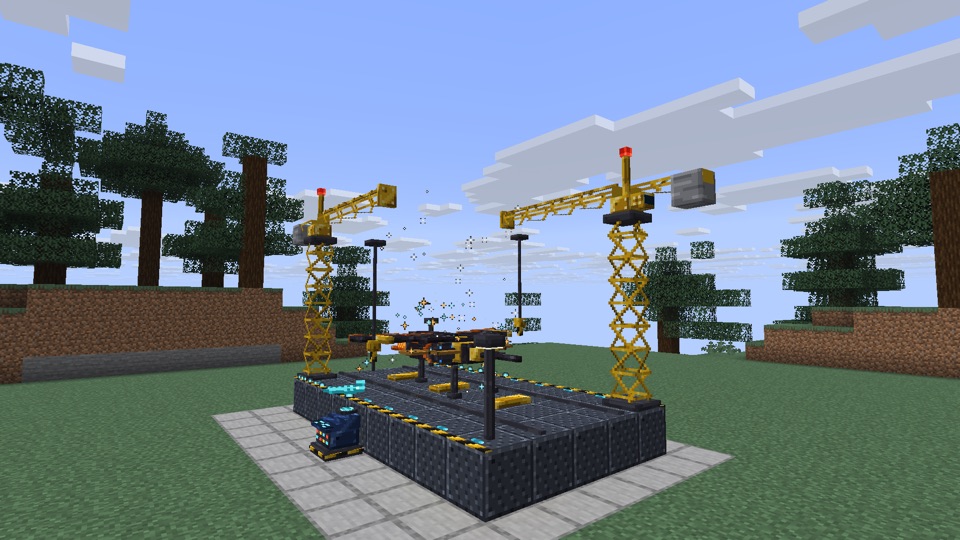
You build the shipyard yourself: the shipyard console at the middle of a long side of a 9 × 5 slipway, two crane towers of four sections at opposite corners (the scheme and its Show in the world button are on the Shipyard page of the star journal); clicking the console shows what is missing. The shipyard knows the scout of your road once you beat the road's first master (Terminator Warden, Mother of the Comb, Giant's Remnant) and the hauler after the last one; other forms come from blueprints in space caches and stations.
Modules
Modules go into slots: thrust, hull, hold, scanner and others, each with tiers I–III. A tier is made from the metals of its road.
Flight
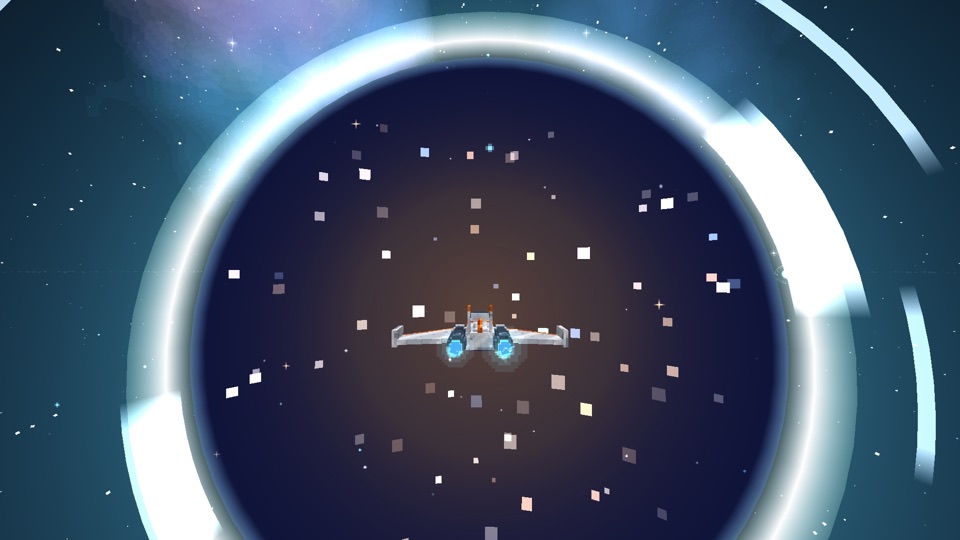
Over a world the ship flies like a plane: cruise, boost, turns, climb. Above the sky begins the space of the road: belts, comets, the peoples’ stations and anomalies. A ship can be picked up into the hold by a beam, towed, and you can transfer to another one.
Someone else’s ship (two players) can be refueled and mended by anyone, but only its owner takes the helm: a guest comes aboard through the stern hatch while the owner is home, and rides as a passenger in a two-seater once the owner is in the cockpit. Clicking such a ship says exactly that — whose it is and what it takes. Only the owner opens the ship console (modules and hold) — from outside and from the passenger seat alike.
While you are aboard — as the pilot or a passenger — you are behind the hull: claws, projectiles and beams of creatures hit the hull instead of you, at half strength. The hull does not last forever: a wrecked ship no longer shelters you. Heat, cold and radiation are not stopped this way — those are for the suit and modules.
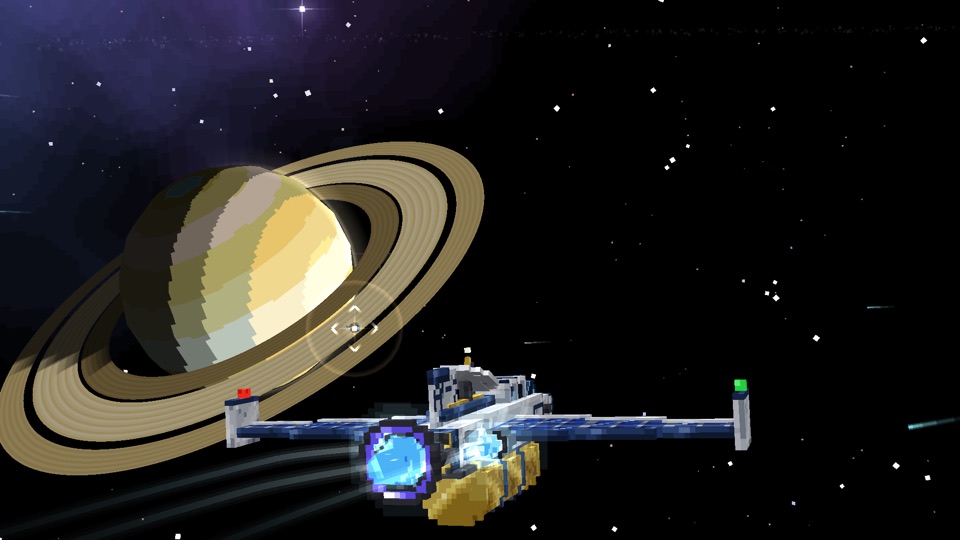
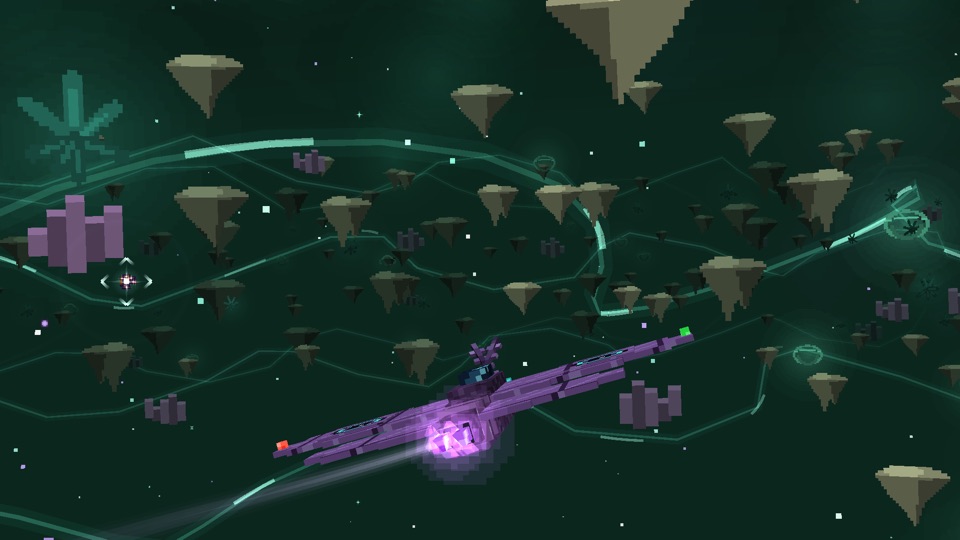
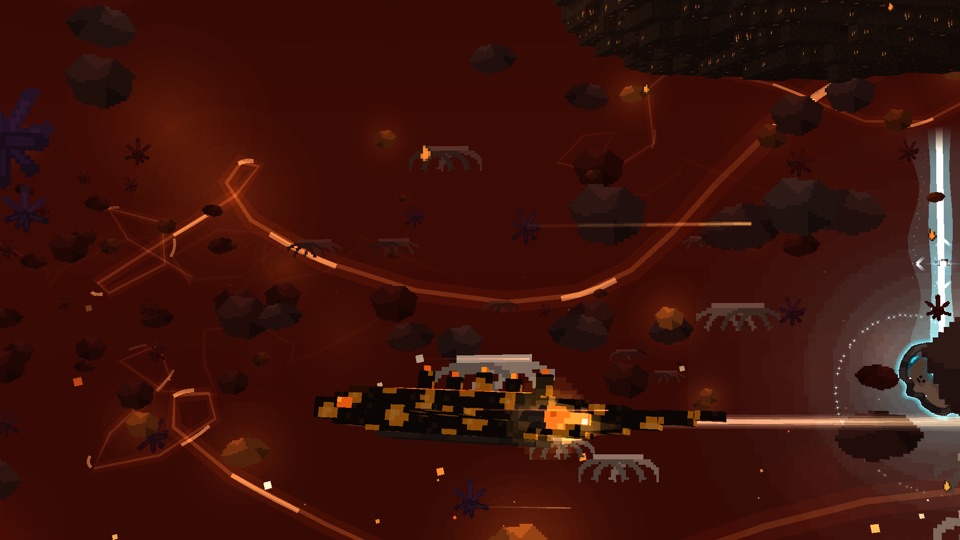
In the cockpit: labels, zoom, picking a target
- Labels in the sky. Labels that would overlap fold into one, the most important, with “+N”: from the outskirts the Sun shows as “Sun +19”, not two dozen names. A label hidden behind a nearby body (a ship, a boulder, a comet nucleus, a station, a creature) fades. The F10 key cycles labels: all → target and important → hidden. Danger signs are always visible.
- Zoom. Hold “pick block” (the mouse wheel) or your own “zoom” key in the controls: the field of view narrows like a spyglass, and labels spread apart and grow larger. The wheel sets the power (×3, ×6, ×12), the right button the filter (all, bodies, stations, anomalies), the left button picks a target. The card of the aimed target says what it is, how far, and whether you can jump there — and if not, why: the ship is on a tether, not enough fuel (how much is needed and how much is in the tank), closer than 1,500 blocks — fly there under your own power. The jump charges toward the picked target, and the autopilot leads to it.
- Instruments do not overlap. Side panels (scanner, radio, anomaly steps, comet nucleus, combat) stand in columns; when space is tight the less important one folds into a line; key hints form a column in the lower left corner.
- Ship friends in the console (Shift + right-click the ship) scroll with the wheel; type a name and the list filters.
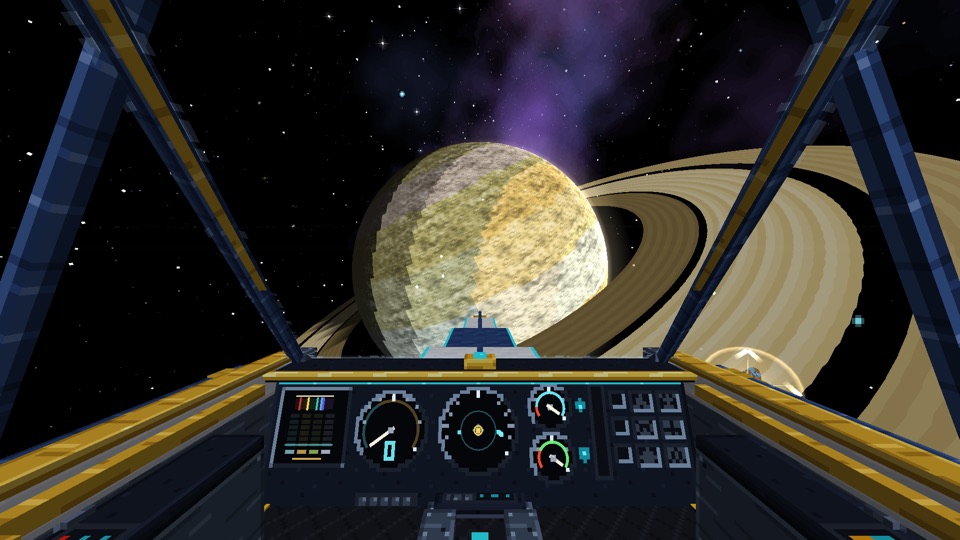
Moving targets
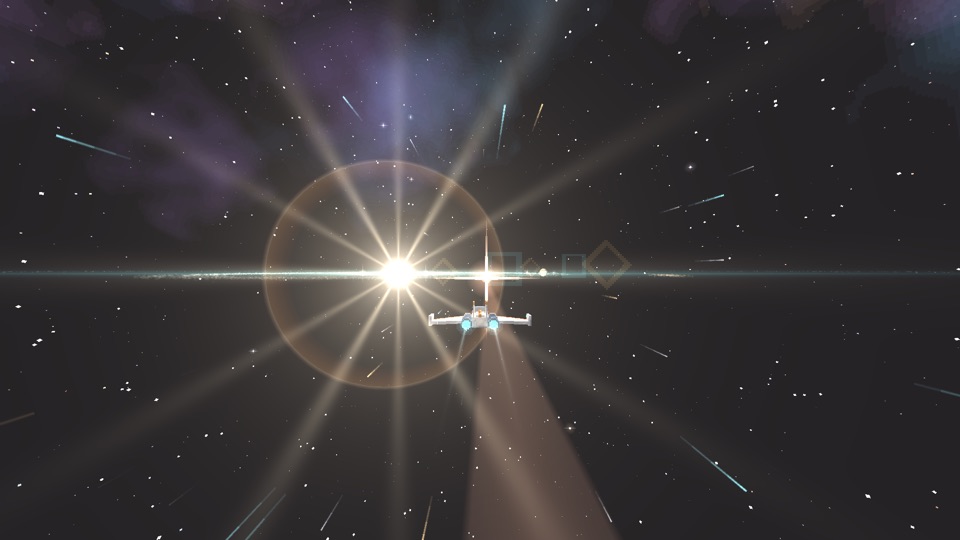
Jumps to a comet and to the Visitor are led: the marker stands where the target will be at the end of the jump. At a comet you exit beyond the edge of the danger zone, at the Visitor a hundred blocks behind it, in its wake, matching its speed.
Landing on the Visitor
The Visitor’s disc is made of large boulders. Bring the ship over a boulder from above and match speed, without pressing forward or up — the landing legs settle on the stone, and the ship rides along with the Visitor even with nobody aboard. Stepping out, you stand on the boulder and can walk on it; step off the edge or jump, and the Visitor slips away from under your feet. You cannot land on a comet: its nucleus tumbles.
The comet heart
After a scan, the comet heart shows as a marker through the ice. It is deep inside a large clump and cannot be taken by hand: dig with the mining beam (left Alt) through the crust and ice. The mining beam is a ship module: it is made at a crafting table from titanium, a lens, a coil and a battery (or traded from the Fear Drillers) and fitted into a slot of the ship’s console.
Anomalies, hands-on
The anomaly steps tell you what to do with your hands, and show an instrument at the moment of the attempt.
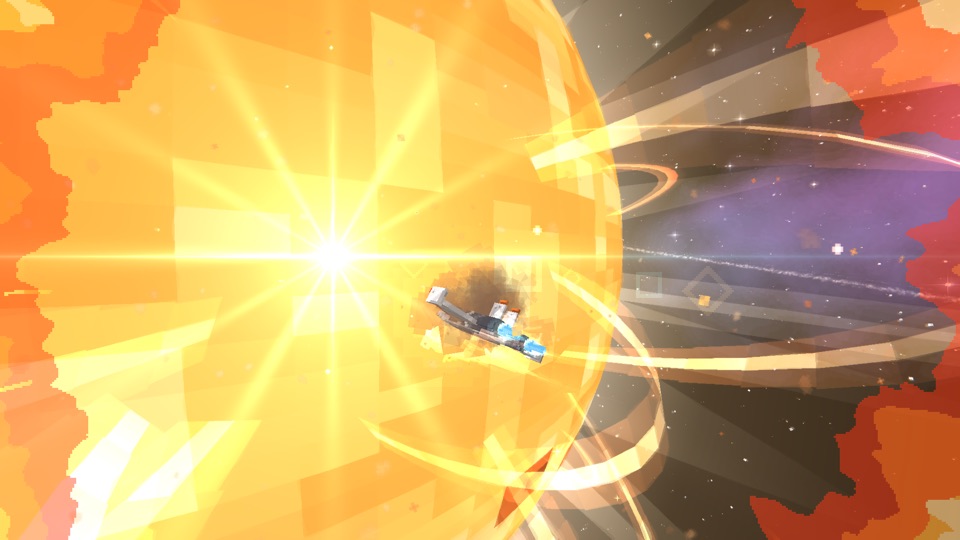
- Slingshot — pass the hole closer than 260 blocks (but not closer than 40) on boost and turn: the arc must be 50° or more. In the sky there are rings for the 600 and 260 zones; the instrument counts the arc (“18° more”) and tells you if you are too far or too slow. Leave the 600 zone and the maneuver counts.
- Ride the jet — during an outburst enter the ring at the base of the column (the “stream entry” marker), not the red one, and hold on in the sheath for five seconds. Where the nose points, there you are thrown — the instrument says toward what.
Dismantling
A ship can be dismantled or refitted only on the shipyard’s slipway: put it on the slipway and hold the “Dismantle” button in the shipyard screen for a second and a half.
What next
- “Peoples’ stations, orders and trust” — the first place to fly to.
- Modules of your own station: “Station Observatory” and “Zero-G Forge and star gear”.
- Going outside the ship — “Oxygen, spacesuit and climate”.
- A rare guest of the Kuiper Belt — “The Wanderer” (behind spoilers).
- Beyond space — “Interstellar space” (behind a spoiler).